

On this page
Recording educational videos is one of the most important steps in building an online teaching platform. Clear, well-structured videos help students understand lessons more easily and create a better learning experience.
You do not need expensive equipment or a professional studio to record effective teaching videos. With the right setup and a few practical techniques, educators can create high-quality lessons that are easy to follow and engaging for students.
Choose a quiet recording environment
Audio clarity is one of the most important elements of educational video. If students cannot hear the explanation clearly, the lesson becomes difficult to follow.
Choose a quiet room where background noise is minimal. Turn off fans, notifications, or other distractions that could interrupt the recording. Soft furnishings such as curtains or carpets can also help reduce echo.
Use simple recording equipment
Many educators successfully record lessons using basic equipment. A smartphone, webcam, or simple camera is often more than enough to produce clear video.
While the camera matters, audio quality is even more important. A small external microphone can significantly improve sound clarity compared to built-in microphones.
- Smartphone or webcam
- External microphone for clear audio
- Tripod or stable surface
- Basic lighting
Set up good lighting
Lighting helps ensure that the instructor and demonstrations are clearly visible. Natural light from a window can work well, especially when positioned in front of the instructor.
If natural light is not available, simple lights placed in front of the subject can improve visibility and reduce shadows. Avoid placing bright lights behind you, as this can make the video appear dark.
Keep the background simple
A clean and distraction-free background helps students focus on the lesson. Avoid clutter or visual elements that could pull attention away from the teaching.
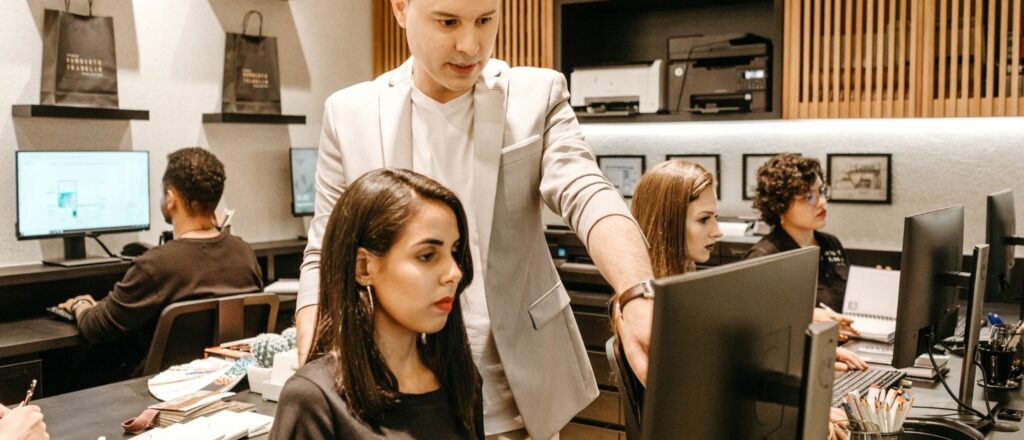
Many educators record videos in simple environments such as an office, classroom, or workspace related to the topic they are teaching.
Speak clearly and keep a steady pace
Clear communication is essential when recording educational videos. Speak at a steady pace and explain concepts step by step so learners can follow along.
It can help to outline your lesson before recording so the explanation stays focused. If mistakes happen, simply pause and repeat the section so it can be edited later.
Export your lessons in the right format
Record in landscape (16:9) so your lessons fill the screen on laptops and TVs. When you export from your editing software, a few settings prevent problems after upload. On AudiencePlayer, the recommended source file is:
- An MP4 file with H.264 video (MOV and MKV are also accepted)
- 1920 x 1080 pixels for HD, or 3840 x 2160 for 4K
- A fixed frame rate of 25 fps
- 8-bit colour with the Rec.709 setting (HDR and 10-bit are not supported)
The platform then converts your file for every screen and connection. Subtitles can be added afterwards as separate SRT files, so you never need to burn them into the video. The full list is in the file upload specifications in the AudiencePlayer knowledge base.
Use demonstrations when possible
Whenever possible, show students how something works rather than only describing it. Demonstrations make lessons more engaging and help learners understand practical skills.
This approach is especially useful for subjects like cooking, fitness, design, software tutorials, or creative techniques.
Organize videos into a structured lesson library
Once you begin recording multiple lessons, organizing them into a structured video library helps students navigate the material more easily. A clear learning path makes it easier for students to follow lessons and complete a program.
AudiencePlayer helps educators and creators launch their own branded video platforms where educational videos can be organized into structured lesson libraries and monetized through subscriptions or courses.
Frequently Asked Questions
What equipment do I need to record educational videos?
Many educators start with a smartphone or webcam, a basic microphone, and simple lighting. Clear audio and stable video are more important than expensive equipment.
How long should educational videos be?
Many teaching videos work best between five and fifteen minutes when they focus on a single concept or skill.
Do I need a professional studio to record lessons?
No. Many successful educators record lessons from home offices, classrooms, or simple workspaces as long as the audio and lighting are clear.
Which file format should I export my lesson videos in?
MP4 with H.264 video is the safest choice for most video platforms. On AudiencePlayer, export in 1920 x 1080 (or 3840 x 2160 for 4K) at a fixed 25 fps, and the platform converts the file for every device.