

AI AND MCP
Manage your video platform in plain language.
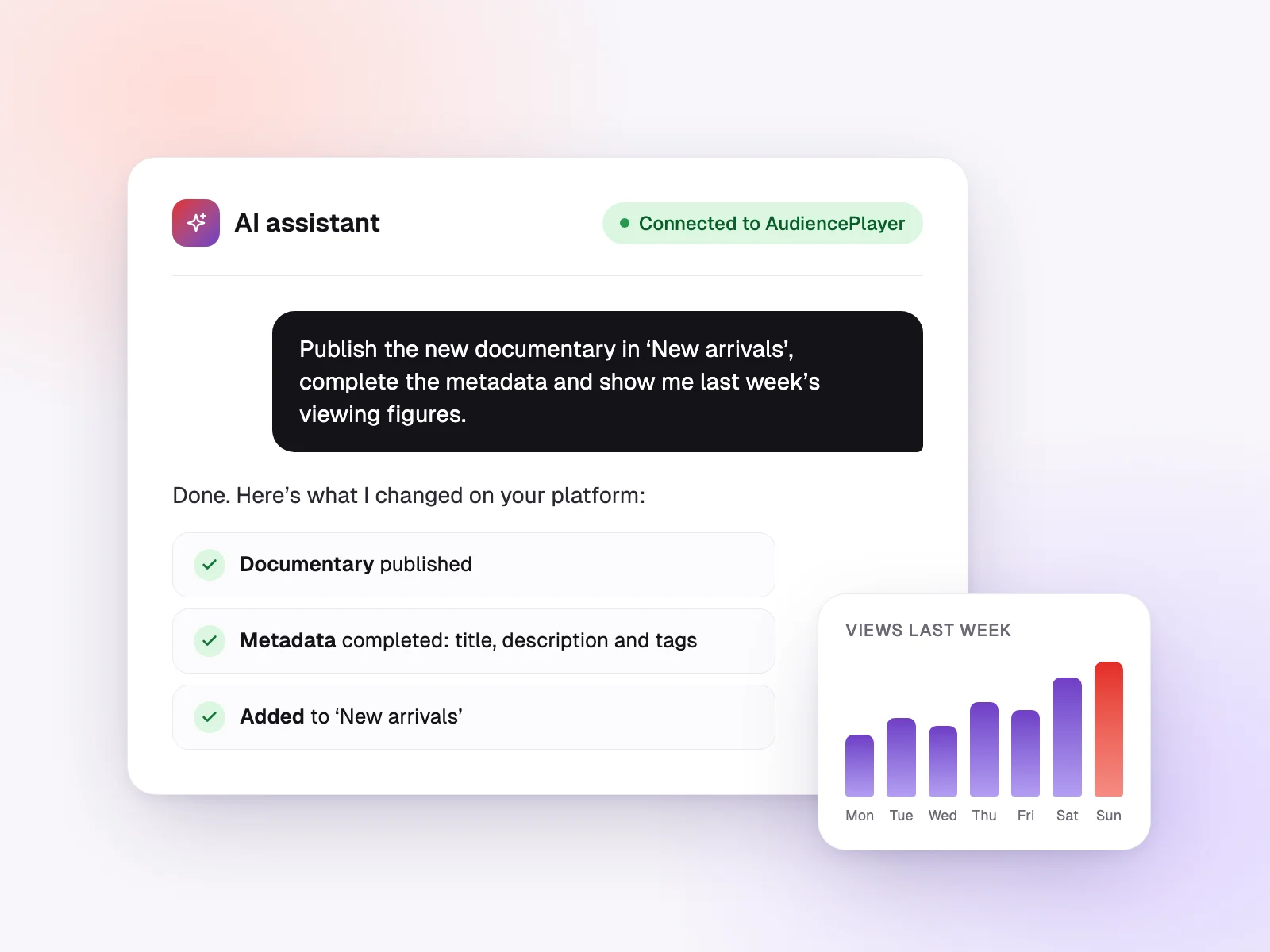
With the AudiencePlayer MCP server you connect AI assistants like Claude and ChatGPT directly to your platform. Say what you want, and AI publishes content, adjusts pricing, builds pages and fetches your viewing figures. You stay in charge.
HOW IT WORKS
AI that actually takes work off your hands.
WHAT IS MCP?
A secure bridge between AI and your platform.
MCP (Model Context Protocol) is the open standard that lets AI assistants work securely with software. The AudiencePlayer MCP server is included in your package. You connect it to Claude, ChatGPT or another AI assistant that supports MCP in minutes, and your assistant can get to work in your own management environment.
- Included in every AudiencePlayer package
- Works with Claude, ChatGPT and other MCP-compatible AI assistants
- Secure sign-in with your own account and permissions
WHAT AI DOES FOR YOU
From content to viewing figures. In one conversation.
Your AI assistant works with the same building blocks you use in the management environment.
Publish content
Categories and collections
Pages and menus
Pricing and subscriptions
Live events
Push notifications and emails
Statistics
Customer questions
IN PRACTICE
What you can ask your AI assistant.
AI creates the video, writes the title and description and adds it to the right row.
Done in seconds, instead of an afternoon of spreadsheets.
An instant answer, without clicking through reports.
AI prepares the event. You give the go-ahead.
Your website updates, in your own branding.
In a demo we show live how an AI assistant manages your platform, with your own examples.
SECURE AND SOVEREIGN
AI works for you. You decide.
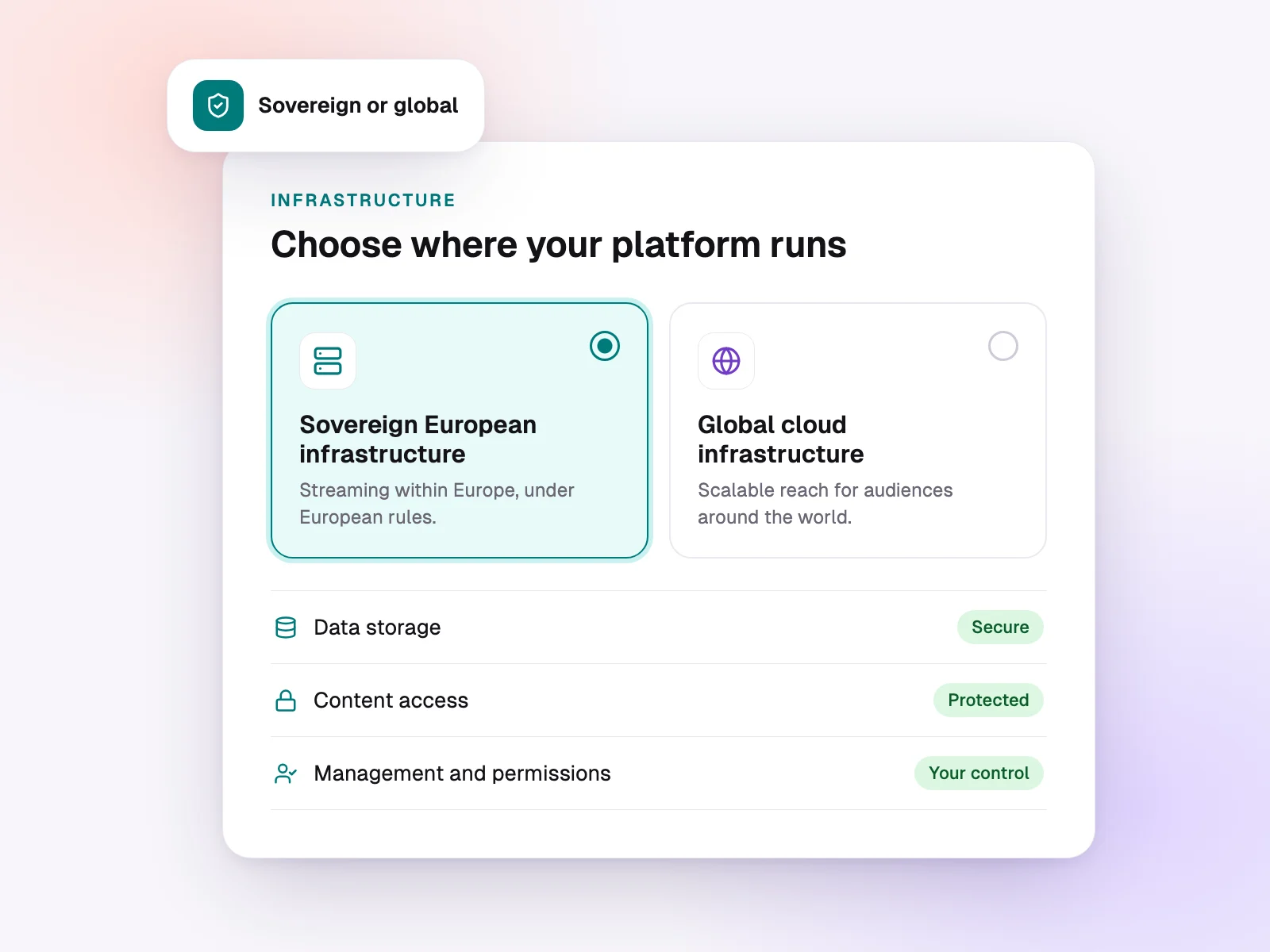
The MCP server uses the same roles and permissions as your management environment, so AI can never do more than you allow. For actions that cost money or can’t be undone, such as starting a livestream or deleting content, your assistant asks you first. Your content and user data stay on your own platform.
- Sign in with your own account, roles and permissions
- Confirmation first for actions with costs or consequences
- Your data stays on your own platform
Thanks to AI, managing our own streaming platform is surprisingly simple. What used to take hours now takes a few sentences.
 Maurice van WordragenUniversiteit van Nederland
FOR DEVELOPERS TOO
MCP, API or both?
For teams that want to manage their platform in plain language with an AI assistant.
For developers building their own software, apps or integrations.
Switching platforms? AI moves your videos, subscribers and pricing for you.
FREQUENTLY ASKED QUESTIONS
Good to know.
Claude, ChatGPT and other AI assistants and agents that support the Model Context Protocol (MCP).
No. The MCP server for AI agents is included in the base of every AudiencePlayer package.
AI only works within the permissions of your account. For actions with costs or lasting consequences, your assistant asks for confirmation first.
No. You connect the MCP server to your AI assistant once. After that you simply work in plain language. We’re happy to help you get started.
TRY IT YOURSELF
Watch AI manage your platform.
In a 30-minute demo we show live how Claude publishes content, adjusts pricing and fetches your viewing figures.