

LOGIN AND SINGLE SIGN-ON
One login for your audience. Or only for your own people.
Let viewers sign in with the account they already have, like Google or Microsoft. Or connect your own login system and create a protected environment for staff, students or members.
LOGIN OPTIONS
Sign in the way your audience is used to.
Let viewers sign in with one click using their Google, Microsoft, Facebook or GitHub account. No new password to remember.
Connect your organisation’s Microsoft accounts for staff and students.
Connect your own login system that supports the OAuth 2.0 standard.
Have users accept new terms before they continue watching.
Users can have their account deleted themselves, as app stores and GDPR require.
It works the other way too: let your viewers sign in to other OAuth2 platforms with their AudiencePlayer account.
PROTECTED ENVIRONMENT
Access for your own people only.
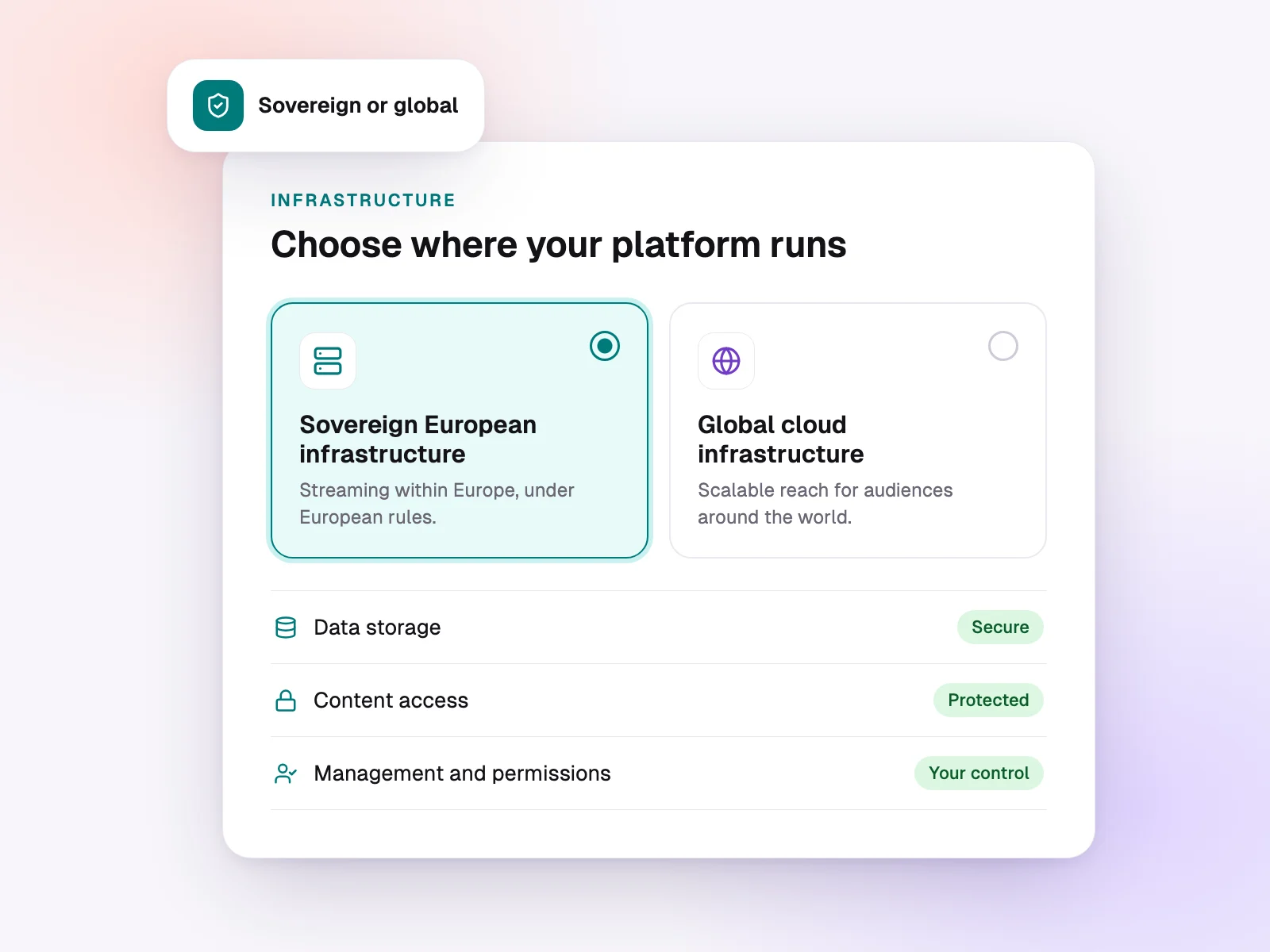
Want only staff, students or members to watch? Switch off regular sign-up and email/password login, and allow sign-in through your own single sign-on only. That gives you a secure, protected environment for internal training, education or member content.
- Sign-up and login on or off per platform
- Access only through your own login system
- Ideal for corporate training, education and member platforms
- Your user data stays in your own hands
HOW IT WORKS
Connected in four steps.
1. Choose your login method
2. Connect in the management environment
3. Decide who gets in
4. Viewers sign in
SECURE
Secure sign-in, without the hassle.
Single sign-on is more secure and more user-friendly: fewer passwords, fewer forgotten passwords and fewer support questions. Strong password rules apply to everyone who signs in with email. Connecting your own platform? Then you handle access and login through the API too.
- Strong passwords required for email login
- Automatic login from your own systems with a token
- Grant or revoke access through the API, also for purchases elsewhere
FREQUENTLY ASKED QUESTIONS
Good to know.
Google, Microsoft (including Azure), Facebook and GitHub, plus any other login system that supports the OAuth 2.0 standard.
Yes. Switch off regular sign-up and email login, and only users of your own login system have access.
No. You connect your login system in the management environment. You only need the API for your own frontend.
Yes. AudiencePlayer can act as the identity provider for other platforms that support OAuth2.
BOOK A DEMO
A secure, protected environment for your organisation?
In 30 minutes we show you how to connect sign-in with Microsoft, Google or your own system.